
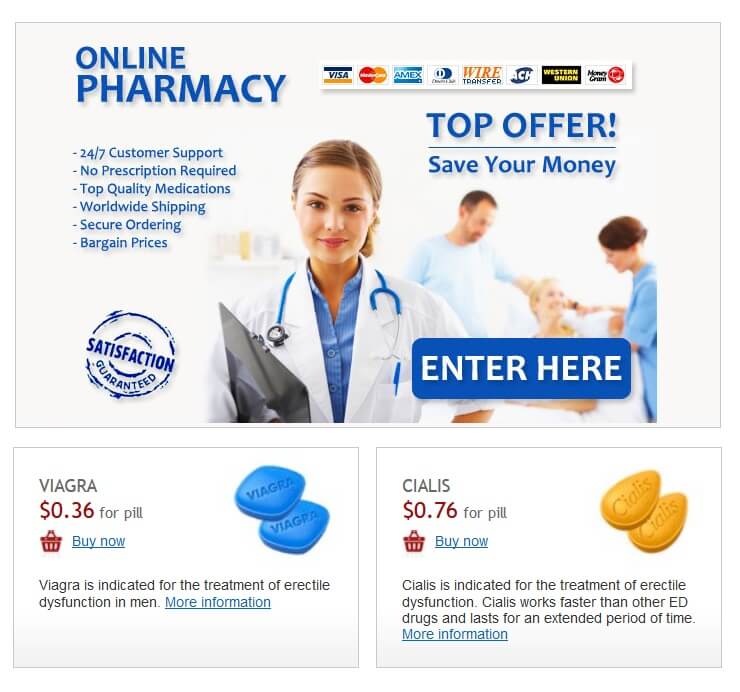
Check the pharmacy’s license directly with your state’s board of pharmacy. This is your most reliable source.
- Locate your state’s board of pharmacy website via a web search (e. g., “California Board of Pharmacy”). Most boards offer online license verification tools. Enter the pharmacy’s name or license number. Confirm the pharmacy is licensed and in good standing. Note the license expiration date. If you encounter problems, contact the board directly by phone or email. Their contact information will be on their website.
Examine the pharmacy’s website for transparency. Legitimate pharmacies display their license information prominently.
- Look for a section titled “About Us,” “Licensing,” or “Accreditation.” Verify the license number displayed matches the one you found on your state board’s website. Check for a physical address and contact information. Avoid pharmacies that lack transparent contact details.
Use third-party verification services. Websites like LegitScript provide independent verification of online pharmacies. However, remember to cross-reference their findings with your state board’s information.
Visit LegitScript’s website and search for the pharmacy’s name or URL. Review their verification status carefully. Note that even a positive verification doesn’t eliminate the need to check your state board’s records.
Trust your instincts. If something feels wrong–unclear licensing information, questionable website design, or oddly aggressive sales tactics–proceed with caution or choose a different pharmacy.